Dota2PornFx icon resource guide
Dota 2 Icons: Hero, Item & PNG Guide
Use this guide to separate hero icons, item icons, PNG or SVG searches, and local VPK resources. Then compare the real upstream Item Icons previews before opening a source download.
Quick answer: what are Dota 2 icons?
Dota 2 icons are small visual assets used for heroes, items, abilities, attributes, ranks, interface states, or community-made visual replacements. The phrase can describe a simple image search, a game asset inside a package, or a local mod that changes what the client displays. Decide which of those jobs you need before choosing a file.
The Dota2PornFx Item Icons category is a catalogue of community VPK resources with upstream preview images and original source download links. It is useful when you want to inspect item-icon themes or test a local replacement. It is not a promise that each card is a loose PNG, an SVG pack, an official cosmetic, or a file that will remain compatible after every Dota 2 update.
Hero icons
Portraits or role visuals used to identify a Dota 2 hero. These are usually an information or reference need, not automatically a mod download.
Item icons
Small visuals associated with item cards or inventory-style interfaces. A local VPK may replace the way item icons are rendered.
PNG or SVG
A loose image format requested for design, overlays, or reference work. The Item Icons category should not be read as a direct PNG repository.
Hero icons, item icons, and icon PNG searches
Search intent changes when the noun changes. Someone searching for Dota 2 hero icons may want a roster reference or animated hero portraits; someone searching for Dota 2 icon PNG may need a standalone image for a project. A person searching for Dota 2 item icons can mean a visual reference, the game's original assets, or a local replacement mod. Keep those intents separate so a download card answers the right question.
| Search or asset type | Likely goal | Best page path |
|---|---|---|
| Dota 2 hero icons | Identify heroes, roles, portraits, or animated references | Heroes category or a reference source |
| Dota 2 item icons | Compare item visuals or test a local icon replacement | Item Icons category and this guide |
| Dota 2 icon PNG | Find a standalone image for design or documentation | Verify the file format and usage rights before saving |
| Dota 2 icon VPK | Change local game assets through a package | Read the VPK guide, then test one upstream package |
Choose the right Dota 2 icon format
Use a PNG or SVG when you need an image you can place in a document, overlay, wiki, or design mockup. Check the original source, license, dimensions, transparency, and whether the file is an official asset or a fan-made recreation. A search result that contains the word icon does not establish permission to redistribute it.
Use a VPK only when you understand that it is a package for local game files. A VPK is not the same thing as a PNG download, and opening or installing one can affect a local Dota 2 installation. Keep the archive outside the game directory until you have read the source notes and made a backup.
- Need a reference image? Start with an official or clearly attributed source preview.
- Need a loose file? Confirm PNG, SVG, dimensions, transparency, and reuse terms before downloading.
- Need a visual mod? Check that the package is VPK or ZIP, read the install notes, and keep a rollback copy.
- Need hero portraits or animated icons? Use a hero-focused source instead of assuming Item Icons covers that intent.
Browse the Dota2PornFx Item Icons catalogue
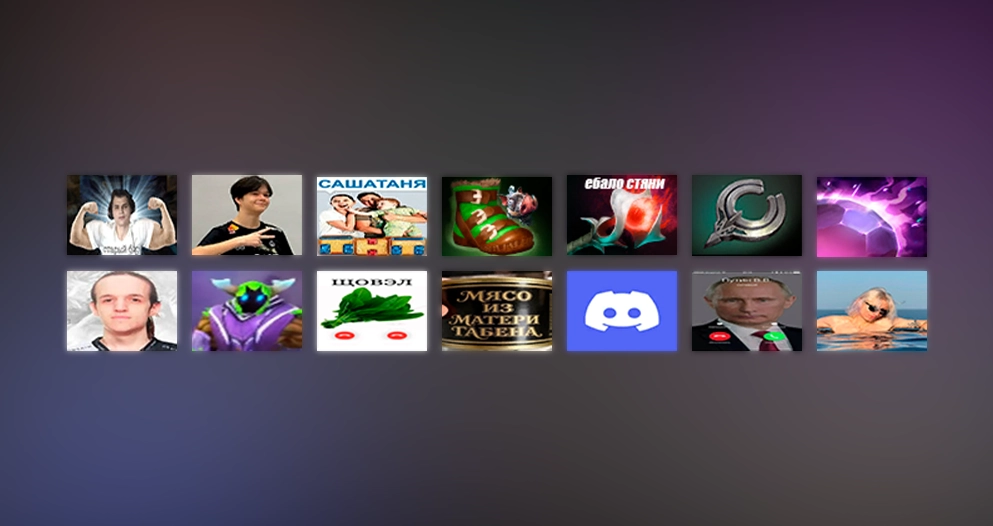
The current upstream Item Icons collection contains eight VPK resources, ordered from newest to oldest by the source update date. The cards keep the original upstream download URLs. Open the category page to compare the preview, filename, file type, author metadata when present, and update date before choosing a package.
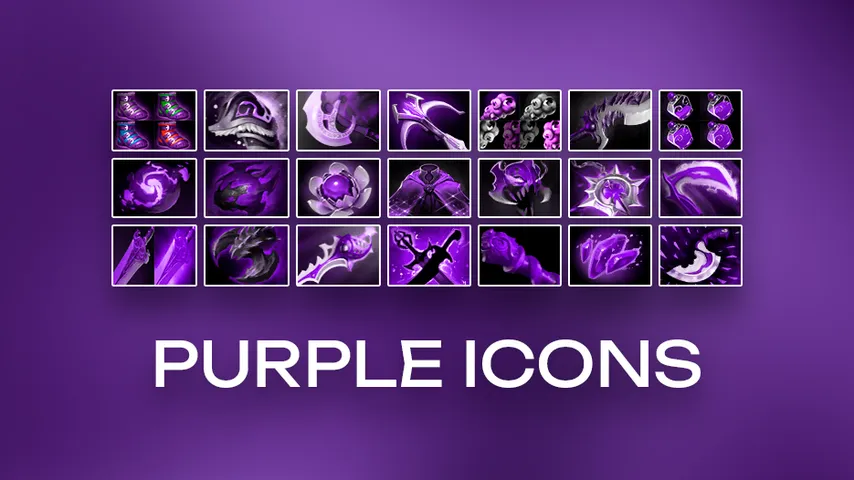
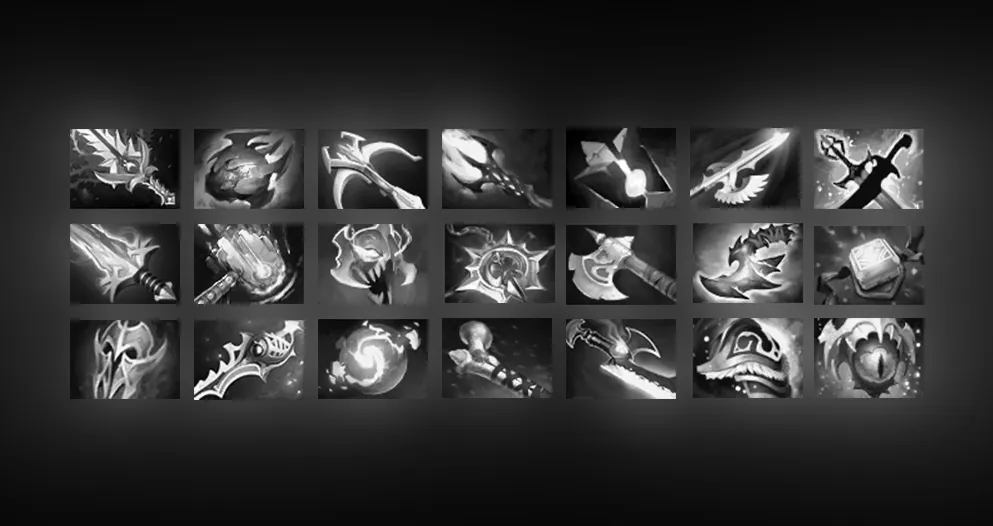
- Purple Icons and White Items are the newest two upstream entries in the current catalogue snapshot.
- Meme Media Items, Dark Items, Allstars Items, Nyash Items, Beer Bottle, and Arcanas Items are older entries with their original source links preserved.
- A preview is a visual reference only; read the file label and source instructions before installing anything.
- If you need a hero icon or a standalone PNG, use the matching intent instead of downloading an unrelated VPK.
What an icon preview does and does not prove
A preview helps you recognize the intended icon theme and compare several resources quickly. It does not prove that the package contains loose image files, that the author grants redistribution rights, that the current client will load it, or that the package is an official Valve cosmetic. Those are separate checks.
| Confirmed by the catalogue card | Still needs your check |
|---|---|
| Resource name, preview URL, file label, update date, and upstream destination | Current patch compatibility, local load behavior, and whether the visual is what you need |
| Whether the source exposes a VPK download link | Whether the package should be used in your local installation and how to remove it |
| The difference between a catalogue preview and a hosted copy | Image reuse rights, attribution requirements, and any third-party asset restrictions |
When a resource is outdated or unclear, stop at the source page instead of guessing a file path or calling the package safe. The catalogue preserves upstream links so you can inspect the original context and return to the source when Dota 2 changes.
Test and roll back a local icon mod
For a local icon VPK, begin with a clean backup and one package. Do not stack several icon mods while troubleshooting: if the client fails to load an asset, you need to know which change introduced the problem. Follow the upstream instructions for the package and the current Dota 2 file layout.
- Record the package name, source URL, and date you tested it.
- Back up the files or folders that the source instructions identify before replacing anything.
- Test in a low-risk context, then close the game before adding another visual package.
- If icons disappear or the client behaves unexpectedly, remove the newest change and restore the backup.
- After a Dota 2 update, retest the unmodified client before assuming the package still works.
For a PNG or SVG project, the rollback step is simpler but the source check still matters. Keep the original URL and attribution beside the downloaded asset, avoid claiming a fan-made image is official, and do not turn a preview image into a redistributed download without permission.
Dota 2 icons FAQ
Continue with related Dota 2 pages
Sources checked
- Dota2PornFxWeb upstream repository — Source project checked for the current Item Icons resource list, preview assets, and original download URLs.
- Dota2PornFxWeb live catalogue — Live upstream source checked for category and preview context.
- Valve Developer Community VPK reference — Reference for the VPK package format; it is not a compatibility guarantee for community mods.
- Official Dota 2 site — First-party Dota 2 context checked so community resources are not described as official cosmetics.