Dota2PornFx guide
Dota 2 mod skin guide: install VPK skins safely
A practical guide for choosing Dota 2 skin mods, reading Dota2PornFx resource cards, backing up local files, installing VPK or ZIP downloads, and recovering when a custom skin stops working after an update.
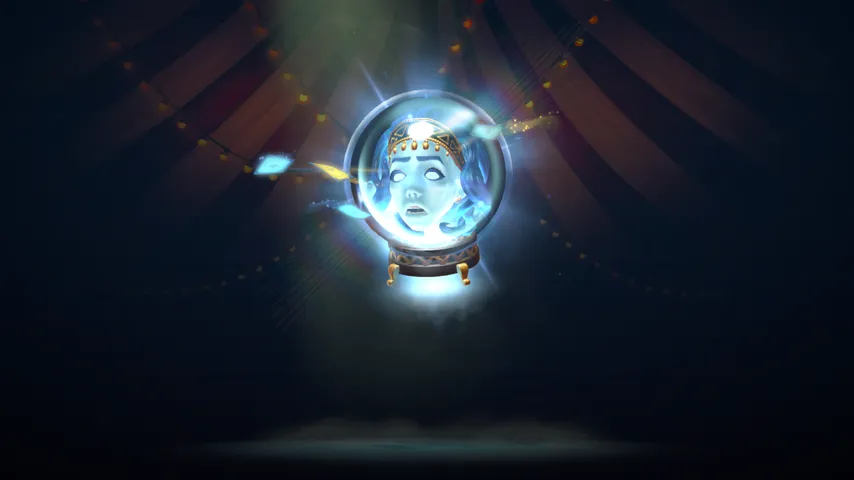
Quick answer: what a Dota 2 mod skin page should help you decide
A Dota 2 mod skin is an unofficial visual replacement that changes how a hero, item effect, background, cursor, terrain, ward, courier, or interface element appears locally. The important point is that it is not the same as a Steam inventory cosmetic. It usually works by placing a VPK file, ZIP contents, or a tool-generated package into a local Dota 2 folder, so the result can break after a patch or conflict with another replacement.
This guide is for players who already know they want custom visuals but need a safer workflow before clicking a download button. Dota2PornFx.blog keeps the upstream Dota2PornFxWeb links intact, so the best use of this page is to understand which category fits your intent, what to check before download, and how to keep a rollback path. The actual catalog remains on the category pages; this guide explains how to use those pages without treating every ZIP or VPK as interchangeable.
For pure browsing intent, start with hero skins or item effects. For installation intent, read the checklist and rollback steps below first. For the low-difficulty question keyword “what is .vpk file in dota”, the short answer is that a VPK is Valve’s package format used by Source-engine games; in a modding context it can bundle replacement assets, but the exact folder and load order matter more than the extension alone.
Choose the right Dota2PornFx category before downloading
Most bad installs start with a mismatch between the player’s goal and the file category. A hero skin ZIP can contain model, texture, effect, and icon changes, while an item-effect VPK may only change a teleport, blink, fountain, Dagon, or other visual effect. Backgrounds, HUDs, cursors, terrains, and music packs are different targets again. If you install several categories at once, test one category first so you know which file caused a conflict.
| Intent | Best starting category | What to verify |
|---|---|---|
| Change a hero model or skin | Heroes | Preview image, hero name, ZIP file, update date |
| Change spell or item visuals | Item Effects / Hero Spells | Effect group, VPK file, preview match |
| Change menu or loading visuals | Backgrounds / Versus Screens / HUDs | Resolution fit and rollback path |
| Use a helper utility | Tools | Whether it links to an upstream release page |
| Understand installation | Guides | Whether the guide matches your file type |
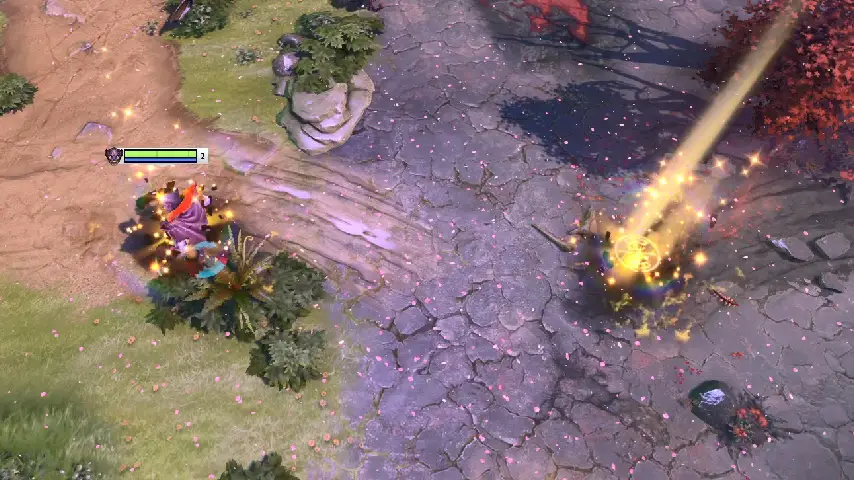
Do not mix too much at once
Install one skin or effect, launch Dota 2, then add the next file only after you know the first one works.
Prefer dated cards
Resource cards with a recent date are easier to audit because you can compare them with the latest upstream additions.
Treat tools separately
Compiler, VPK merge, and background utilities are not skins; they change your workflow and should be checked before use.
Download checklist for VPK and ZIP skin mods
Before downloading, check four things: the upstream URL, the file type, the preview, and whether the card is download-ready or information-only. This site does not replace source links with local copies. A download button should take you to the original GitHub raw file, release asset, YouTube guide, or upstream utility page. If a resource has no file, treat it as a reference card rather than a working download.
- Back up any local Dota 2 folder you are about to touch.
- Keep a note of the exact file name and category page where you found it.
- Avoid installing several ZIP or VPK files before launching the game once.
- Do not claim a file is safe just because it appears in a fan index; use it at your own risk.
- If a tool links to GitHub releases, prefer the release page over a mirrored copy.
Search engines often group “Dota 2 mod skin”, “Dota 2 skin mod”, and “mod skin Dota 2” together, but users in that cluster may want different things: a gallery, a downloader, a tutorial, or a fix. That is why this page does not try to replace the catalog. It gives a checklist and then links back to the specific categories that satisfy the download intent.
Install and roll back without losing your baseline
A cautious workflow is simple: download one file, keep the original archive name, place or extract it only where the upstream guide expects, launch Dota 2, inspect the changed hero or effect, and then decide whether to keep it. If something breaks, remove the new file and restore your backup before trying another mod. Do not stack fixes on top of a broken state.
The safest rollback plan is boring but effective. Keep a “before mod” copy of any changed folder, store downloaded ZIP files outside the game directory, and record the order in which you installed packages. When Dota 2 updates, test the game without new mods first. If the game launches cleanly, reintroduce custom skins one at a time. This avoids blaming the wrong file when an update changes asset paths.
Common problems and how to diagnose them
If a skin does not appear, first confirm that you installed the correct category and that the file actually contains a downloadable VPK or ZIP. If the preview looks right but the game still shows the default asset, the file may be in the wrong folder, another mod may be loading after it, or a recent Dota 2 patch may have changed the required asset path. Remove the newest file first and test again.
| Symptom | Likely cause | First fix |
|---|---|---|
| Game launches but skin is missing | Wrong folder or replaced by another package | Remove later-installed mods and test one file |
| Visual effect is changed but icons are not | Skin package does not include icons | Check card tags such as effects or icons |
| Game behaves oddly after update | Patch changed assets or load order | Restore backup, then reinstall one mod |
| Download button opens a guide | Resource is a tutorial or utility link | Read the upstream page instead of expecting a VPK |
The right troubleshooting habit is to reduce variables. Do not keep adding new skins while diagnosing a failed one. Keep your test narrow, take notes, and use the category title and file name as your anchor. If you cannot identify the failing package, return to a clean baseline and rebuild the setup slowly.
Fresh upstream picks to inspect first
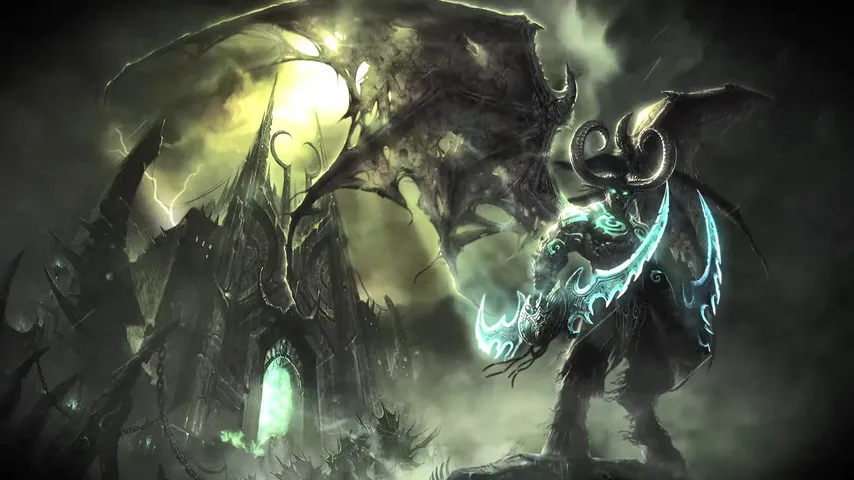
The upstream source checked on 2026-07-09 shows new resources after the previous site sync, including IO Madame Scrio, Invoker Dark Divine, Kez Tensura, Morphling Darktrench Tears, Earthshaker Blink Dagger, Earthshaker Gold Blink Dagger, Crystal Maiden items, and Illidan Stormrage. The cards below are not endorsements; they are recent examples that make it easier to practice the checklist on current entries.
IO Madame Scrio
Download ZIP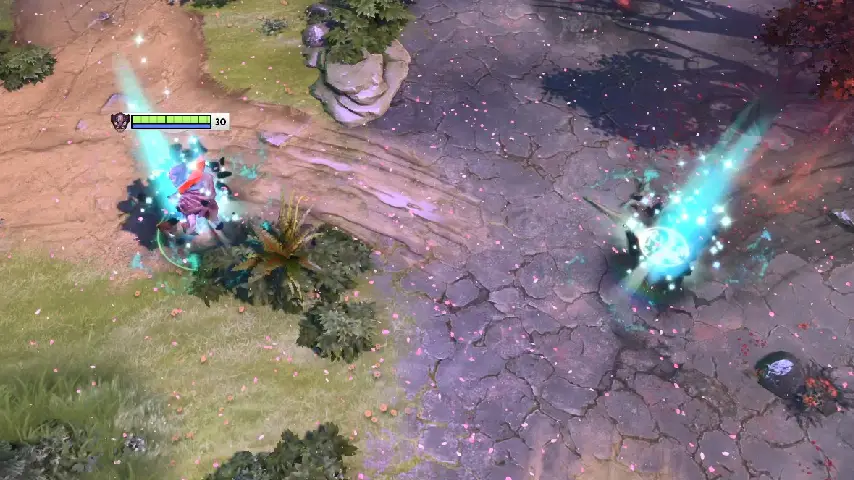
Earthshaker Blink Dagger
Download ZIP
Earthshaker Gold Blink Dagger
Download ZIP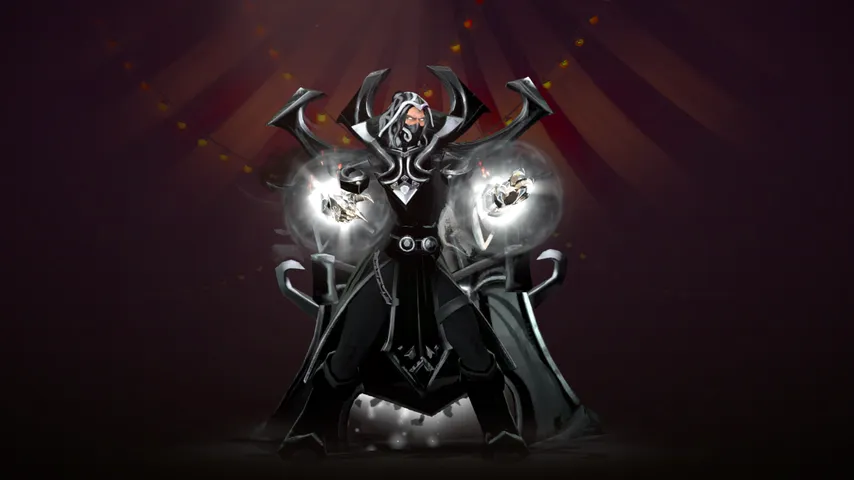
Invoker Dark Divine
Download ZIP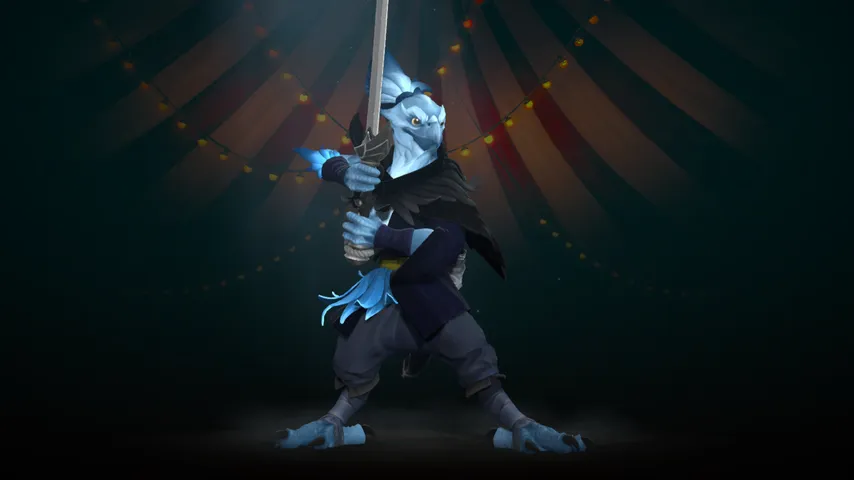
Kez Tensura
Download ZIP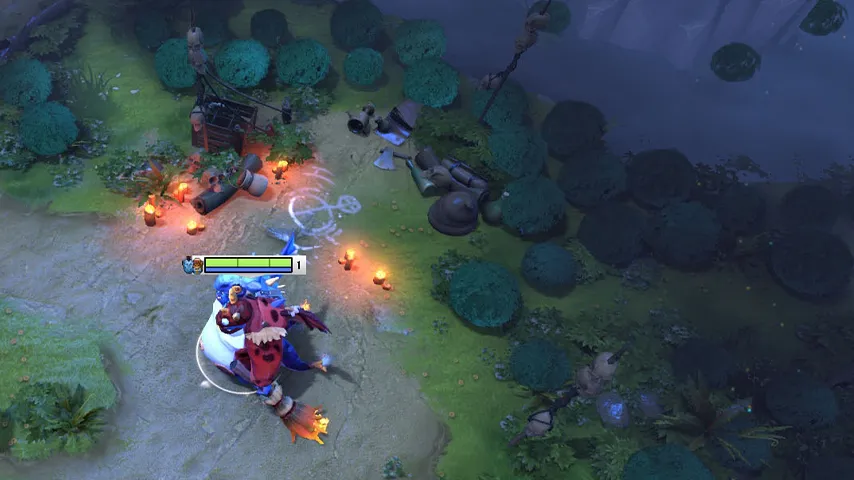
Small Trees Minify
Download VPKDota 2 mod skin FAQ
Continue with related pages
Sources checked
- Dota2PornFxWeb GitHub repository — Source repository checked for resource freshness.
- Dota2PornFxWeb live source site — Live upstream catalog checked for current data and previews.