Dota2PornFx safety guide
Dota 2 skin changer: what it is, risks, and safer options
A practical, non-promotional guide to third-party skin changers, official Steam cosmetics, and local Dota 2 mod packages. No changer installer is hosted or recommended here.
Quick answer: a skin changer is not an official Dota 2 cosmetic
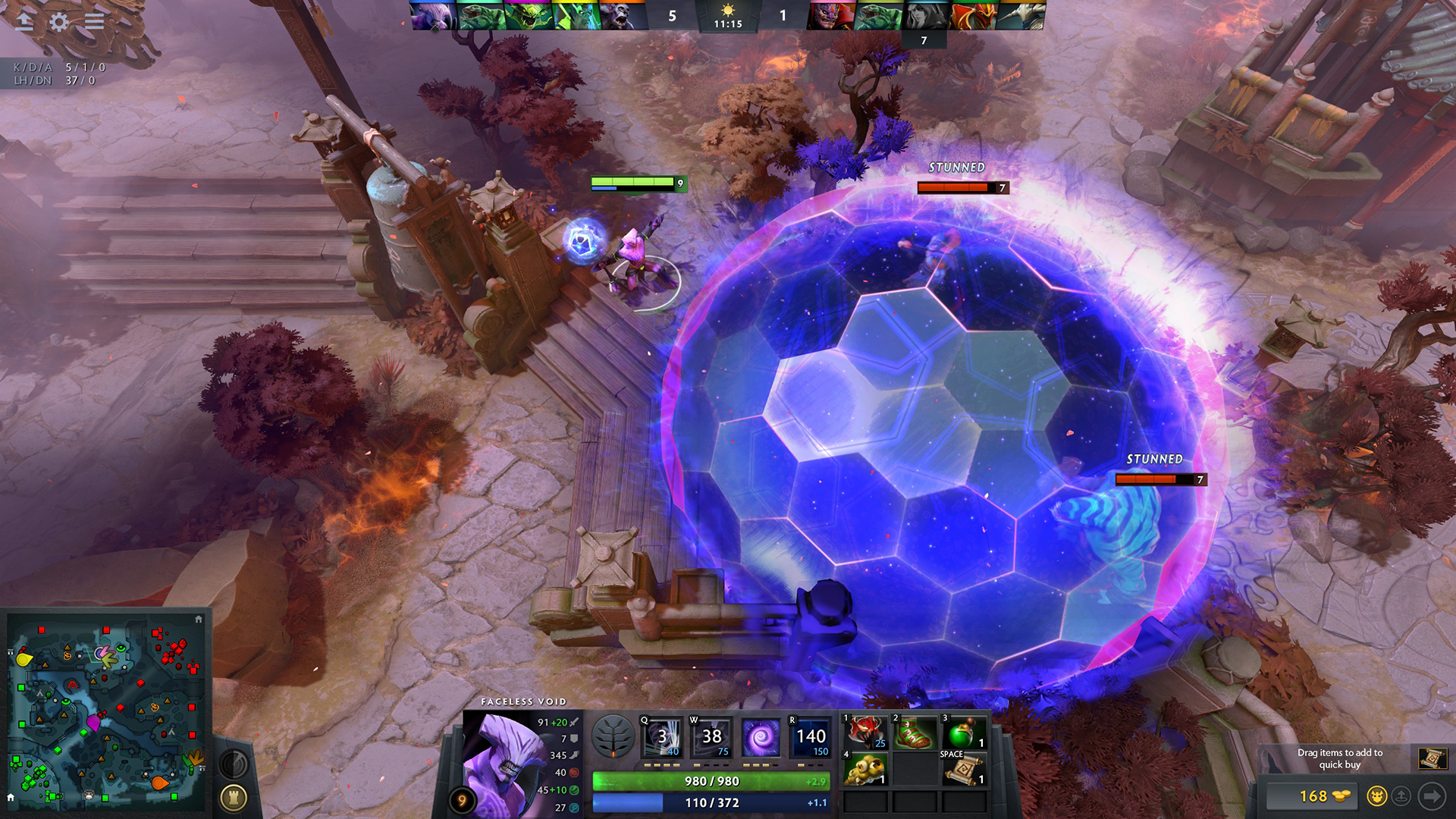
A Dota 2 skin changer usually means third-party software that changes which cosmetic models or effects appear on one computer. It does not add a genuine item to a Steam inventory, does not transfer ownership, and is not the same as buying or earning an official cosmetic. Some tools inject or load code, while local mod packages replace files such as VPK assets. Those technical differences matter because the security, update, and account risks are not identical.
The safest short answer is to use official Steam inventory cosmetics when account certainty matters. If you experiment with local visual mods, keep a clean backup, use the original upstream link, test one package at a time, and expect game updates to break compatibility. Dota2PornFx.blog does not host or endorse a skin changer executable. This page exists to help readers separate official items, local visual replacements, and third-party loaders before downloading anything.
What people mean by Dota 2 skin changer
Search results use skin changer for several different products. One group is an external program that unlocks visual previews locally. Another is a loader or launcher that manages modified files. A third is simply a collection of VPK or ZIP replacements described loosely as a changer. The words alone do not reveal whether a download modifies assets, injects into a running process, asks for account credentials, or only previews official items.
That is why a product page should be read for the exact method, supported Dota 2 build, release date, file source, uninstall path, and account requirements. A page that only says free skins or undetected does not provide enough evidence. Official cosmetics remain inventory items recognized by Steam and the game; local replacements are visual changes on the device and normally are not visible as owned items to other players.
| Option | What it changes | Best verification step |
|---|---|---|
| Official cosmetic | Owned in Steam inventory and recognized by Dota 2 | Use Dota 2, Steam, or official market and workshop surfaces |
| Local VPK or ZIP mod | Replaces selected local assets | Back up files, verify the upstream resource, test one mod |
| Third-party skin changer | Program or loader changes visuals through its own method | Do not assume safety; verify publisher, method, version, and uninstall path |
Can a Dota 2 skin changer get an account banned?
No independent guide can promise that an unofficial changer is ban-proof. Valve's Steam Subscriber Agreement restricts cheats, unauthorized automation, and interference with Steam or game processes, while VAC support explains that bans are permanent when a VAC-secured system detects known cheats. A visual-only claim from a third party does not override those rules, and detection methods can change after any update.
Risk also includes more than a game ban. Installers can request administrator access, trigger antivirus warnings, bundle unrelated software, replace files without a clean rollback, or imitate a Steam login. Never enter Steam credentials into an unofficial changer, disable security tools just to make an installer run, or accept claims such as 100% safe without verifiable technical evidence. If the method is unclear, the conservative choice is not to run it.
Inventory
A local visual does not become an official owned item.
Process access
Injection or runtime hooks create a different risk from replacing an asset file.
Updates
Dota 2 patches can break changers and VPK packages without warning.
What to check before downloading any changer or mod
For version freshness, this review checked the public Dota2Changer product page on 2026-07-14. It displayed version 3.0482 with a 2025-05-23 date, but that is a third-party publisher's own version claim, not a Valve release and not proof that the software is current, safe, or compatible with today's client. This guide therefore does not label any changer as the latest or provide a direct installer link.
Before downloading a local mod package, match the resource name, category, preview, file type, and update date. Prefer the preserved upstream URL, keep the original archive name, and record which folder you changed. Before downloading an executable changer, require a clear publisher identity, release history, removal instructions, and an explanation of whether it injects code or modifies files. Missing answers are a reason to stop.
- Confirm the publisher and original download page.
- Record the stated version, date, supported build, and uninstall steps.
- Reject Steam password, session-cookie, or suspicious administrator prompts.
- Keep a clean backup and test only one local change at a time.
- Do not treat antivirus exclusions or undetected claims as proof of safety.
Dota 2 skin changer vs Dota2PornFx VPK and ZIP mods
Dota2PornFx resources are different from a general skin changer because the catalog points to specific upstream VPK, ZIP, tool, guide, or information entries. A resource card can be checked against its preview and date, and the original source URL remains visible. That does not make every package risk-free, but it gives the user a narrower file-level decision instead of trusting a broad promise that one program unlocks everything.
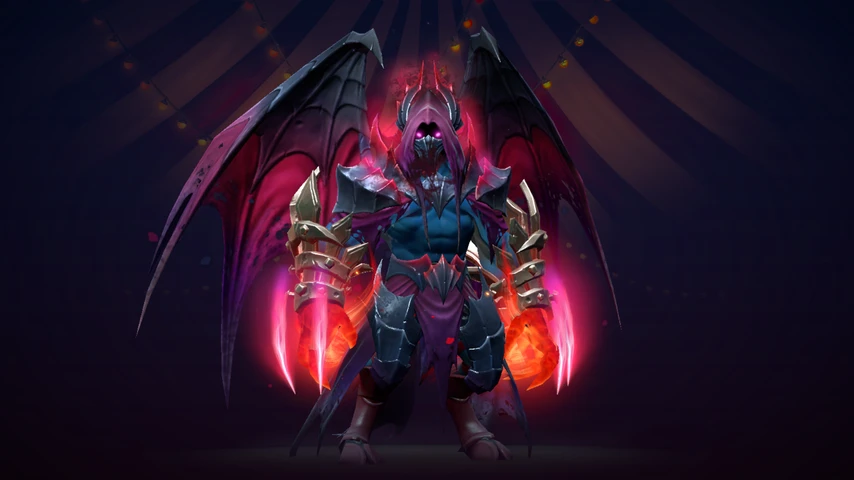
The newly synchronized Dazzle Lifeless Devotion and Night Stalker Dark Oath entries illustrate this file-by-file model. Each has a named ZIP, a matching upstream preview, and a dated catalog entry. Install only after reading the mod skin and VPK guides, back up the target files, and remove the package if the game fails to launch or the visual no longer matches after a patch.

Safer ways to change how Dota 2 looks
For the lowest account risk, use cosmetics obtained through Dota 2 and Steam. The Steam Workshop is also the official submission route for creators, although submitted items are not automatically granted to an inventory. If your goal is only to inspect community art or compare looks, browse official item pages and workshop submissions rather than running an unknown loader.
If you still choose local mods, treat them as reversible experiments: use a clean baseline, one change at a time, no Steam password prompts, no promises of inventory ownership, and no assumption that yesterday's package will survive today's update. The right choice depends on whether you value official ownership, local customization, or convenience, but the decision should be based on the method and source rather than the phrase skin changer.
Dota 2 skin changer FAQ
Continue with safer Dota 2 mod resources
Sources and freshness checks
- Steam Subscriber Agreement — Official rules covering Steam accounts, cheats, automation, and interference.
- Steam Support: Valve Anti-Cheat System — Official explanation of VAC bans and VAC-secured systems.
- Dota 2 Workshop — Official creator route for Dota 2 Workshop item submissions.
- Dota2PornFxWeb GitHub — Upstream resource catalog and preserved source links checked on 2026-07-14.
- Dota2Changer public product page — Third-party public product page checked only to record its stated version and date; not an endorsement.