Dota 2 custom interface guide
Dota 2 HUD Mod Guide: Install, Test and Restore the UI
A practical guide to choosing a custom Dota 2 HUD, checking its VPK or ZIP files, testing one interface change at a time, and returning to a clean game after an update.
Quick answer: what a HUD mod changes
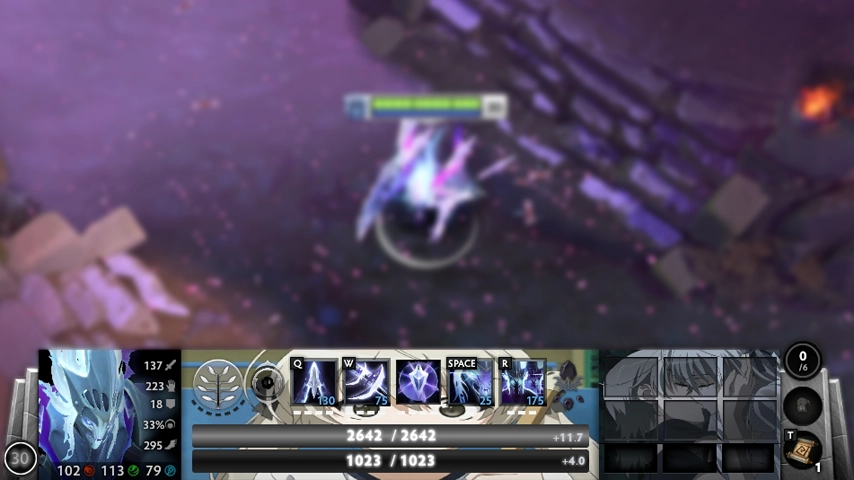
A Dota 2 HUD mod replaces local interface assets such as the frame, panels, decorative borders, or related menu textures. It is a fan-made local change, not an official Steam inventory item. Use one HUD package at a time, keep the original archive and a note of every changed path, and expect to retest the mod after major Dota 2 patches. The safest workflow is reversible: inspect the package, back up the target files, install only the HUD, test the main menu and a bot match, then remove it immediately if text, minimap space, buttons, or spectator elements are wrong.
Local only
The HUD changes files on your computer and does not add an official cosmetic.
Patch-sensitive
Interface paths and Panorama layouts can change after Dota 2 updates.
Reversible
A backup plus a one-mod test makes most failures easy to undo.
Choose a Dota 2 HUD mod that matches your goal
Start with the visual result you want rather than the file extension. The upstream HUD category currently includes Black Hud, Blue Web Hud, Green Hud, and White Sora Hud. Their preview cards help you compare color, frame density, and overall style before downloading. A preview does not prove compatibility with the current client, so treat the update date, filename, source link, and package contents as separate checks. If you searched for a WC3-style Dota 2 HUD, verify that the actual package preview and source description show that style; do not rename an unrelated HUD and assume it will become a Warcraft III layout.
Back up and inspect the HUD package first
Keep the downloaded ZIP or VPK outside the Dota 2 folder until you understand what it contains. A ZIP may include several folders, a ready-to-use VPK, loose Panorama or texture files, or a readme with a required path. Record the package name and extraction destination before copying anything. This makes rollback much faster than trying to remember which files were overwritten after the interface stops loading.
- Match the preview, filename, update date, and source link.
- Keep the original archive and a clean backup outside the game folder.
- Install one interface package at a time.
- Test menu, minimap, scoreboard, shop, and a bot match.
- Write down the changed path so rollback does not depend on memory.
Install the HUD with a reversible method
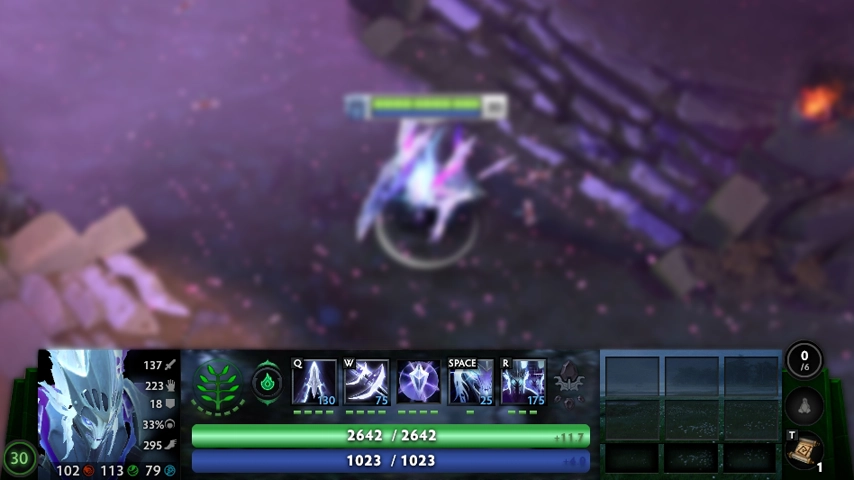
There is no single universal path for every community HUD because packages may target different generations of the interface. Follow the upstream instructions bundled with the exact download. If the archive contains a VPK, use the same VPK-aware workflow described in the site’s VPK guide; if it contains loose folders, preserve the folder structure and copy only to the documented target. Never stack a HUD, cursor, font, background, and shader change during the first test. A clean one-change test is slower for a few minutes but far faster to troubleshoot.
| HUD package | What it may contain | Best first action |
|---|---|---|
| VPK package | Packaged interface assets | Inspect the filename and follow the matching VPK instructions |
| ZIP archive | VPK files, loose folders, readme, or several variants | Open the archive before extraction and preserve its folder structure |
| Loose UI files | Panorama, texture, layout, or resource files | Back up the exact destination before copying |
| Console or launch tweak | A command rather than a visual asset | Test separately and remove it if the current client reports it as unknown |
Test the interface after installation and after patches
Launch Dota 2 and check more than the home screen. Open settings, hero selection, demo mode or a bot match, the scoreboard, shop, minimap, chat, pause menu, and spectator controls if you use them. Look for clipped text, invisible buttons, mismatched aspect ratios, missing textures, or panels that cover the minimap. A patch can change Panorama layouts or asset paths even when the game still launches, so an older HUD can appear partly correct while breaking a less obvious screen.
- Check 16:9 and your actual monitor resolution for clipping or empty margins.
- Confirm the minimap, inventory, ability bar, shop, and chat remain clickable.
- Open a bot match so loading, hero selection, scoreboard, and pause screens are tested.
- After a Dota 2 patch, start from a clean client before blaming another mod.
- Remove old console commands that now return an unknown-command message.
Remove the HUD and restore the original Dota 2 UI
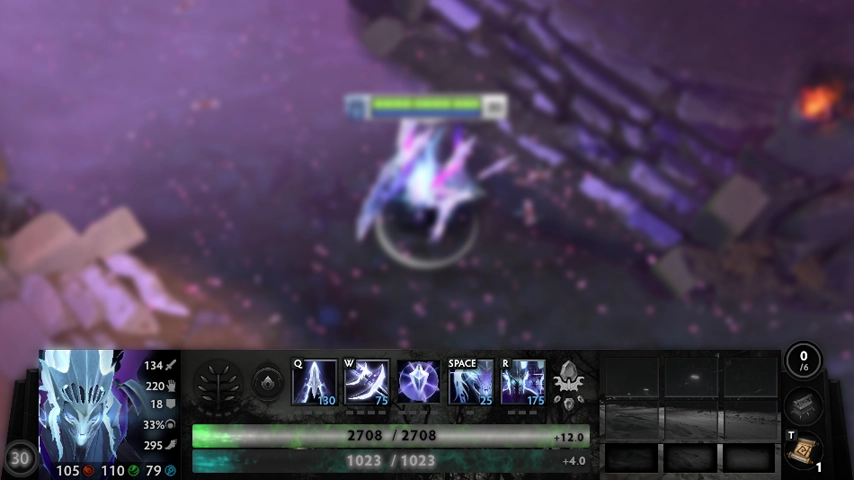
Remove only the files introduced by the HUD package, restore your backup, and launch the game before reinstalling any other mod. If you are unsure which files changed, use Steam’s Verify integrity of game files option to restore official game files. Verification can replace modified local files, so copy personal backups outside the game directory first. After the clean client works, add other community packages back one at a time.
WC3-style HUD searches and large-minimap commands
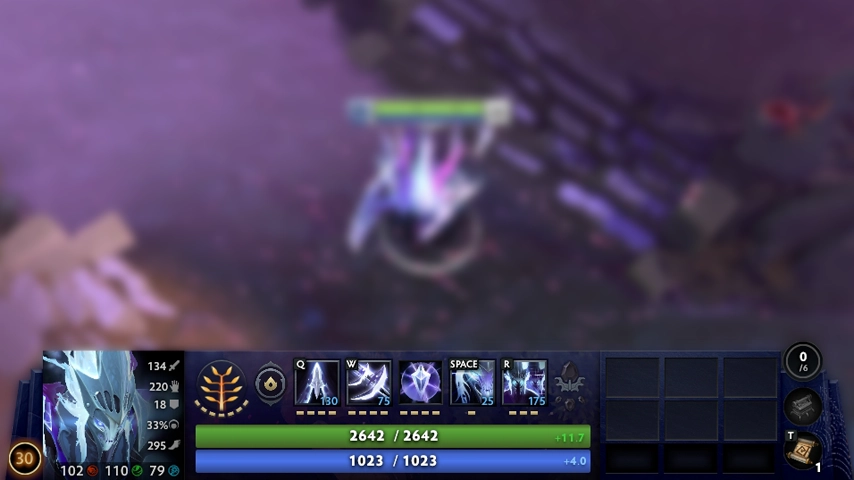
The query “Dota 2 HUD for WC3” usually mixes two different goals: a Warcraft III-inspired visual theme and a functional layout change. A cosmetic HUD package can change textures and framing, while console commands such as dota_hud_extra_large_minimap relate to layout behavior and may be removed, renamed, or blocked by current builds. Do not treat an unknown-console-command message as proof that the HUD archive is broken. Test the visual package separately from launch options or console tweaks, and remove outdated commands when Dota 2 no longer recognizes them.
Visual theme
A WC3-inspired frame or texture package changes appearance.
Layout command
A console or launch option changes behavior only while the client supports it.
Do not combine tests
Confirm the HUD package first, then test commands separately.
Dota 2 HUD mod FAQ
Continue with Dota2PornFx guides
Sources and verification
- Dota2PornFxWeb mods data — Upstream HUD files, previews, dates and source links checked on 2026-07-29.
- Dota2PornFxWeb live source — Original project interface and download destinations.
- Steam Support: Verify Integrity of Game Files — Official Steam recovery steps for restoring game files.
- Valve Developer Community: Panorama Overview — Technical background for Valve's interface framework.