Dota 2 terrain mod installation guide
Dota 2 Terrain Mod Guide: Install, Change, and Restore the Map
Use real Dota2PornFx terrain previews to choose a map style, understand ZIP versus VPK packages, install only one terrain at a time, and keep a clean rollback path after game updates.
Quick answer: what a terrain mod changes
A Dota 2 terrain mod replaces local map assets such as ground textures, props, trees, cliffs, water treatment, or the overall visual theme. It does not add an official Steam inventory terrain. The current upstream catalog offers both ZIP packages that contain a maps folder and standalone VPK-style replacements, so the correct installation method depends on the downloaded file. Back up the target folder, install one terrain only, and expect a game patch to require retesting.
dota 2 terrain mod
One terrain package active at a time
ZIP / VPK
No duplicate maps folders or conflicting pak numbers
2026-07-20
Private-lobby test completed after each patch
Choose the right terrain package
Check the file label on the terrain card before extracting anything. A named seasonal or International terrain is usually distributed as a ZIP archive, while lightweight visual changes may be a pakXX_dir.vpk file. The extension alone does not prove compatibility. Match the resource name, preview, update date, and upstream file link, then inspect the archive outside the game directory.
| Package | Typical contents | Use when | First check |
|---|---|---|---|
| Browse terrain downloads | maps folder / ZIP | TI, Crownfall, seasonal terrain | Download from the original upstream terrain card and inspect the archive. |
| VPK | pakXX_dir.vpk | LowPoly or compact terrain | No duplicate maps folders or conflicting pak numbers |
| Info | Source without a file | Project research | Not a direct download |
How to install a Dota 2 terrain mod
The upstream terrain guide uses a language-folder loading method. For English, create dota_123 inside Steam\steamapps\common\dota 2 beta\game, move the downloaded maps folder into dota_123, and add -language 123 to Dota 2 launch options. For another game language, use the matching dota_[language] folder and launch option. If Minify controls your language folder, place the maps folder in that configured directory instead.
- Close Dota 2 and back up the target language or mod folder.
- Download from the original upstream terrain card and inspect the archive.
- Place the maps folder or documented VPK in the selected dota_[language] folder.
- Set the matching -language value only when the package requires it.
- Launch a private lobby and check both sides, lanes, river, trees, and camera movement.
- If anything is missing or distorted, remove the package and restore the backup before testing another terrain.
Compare terrain styles before downloading
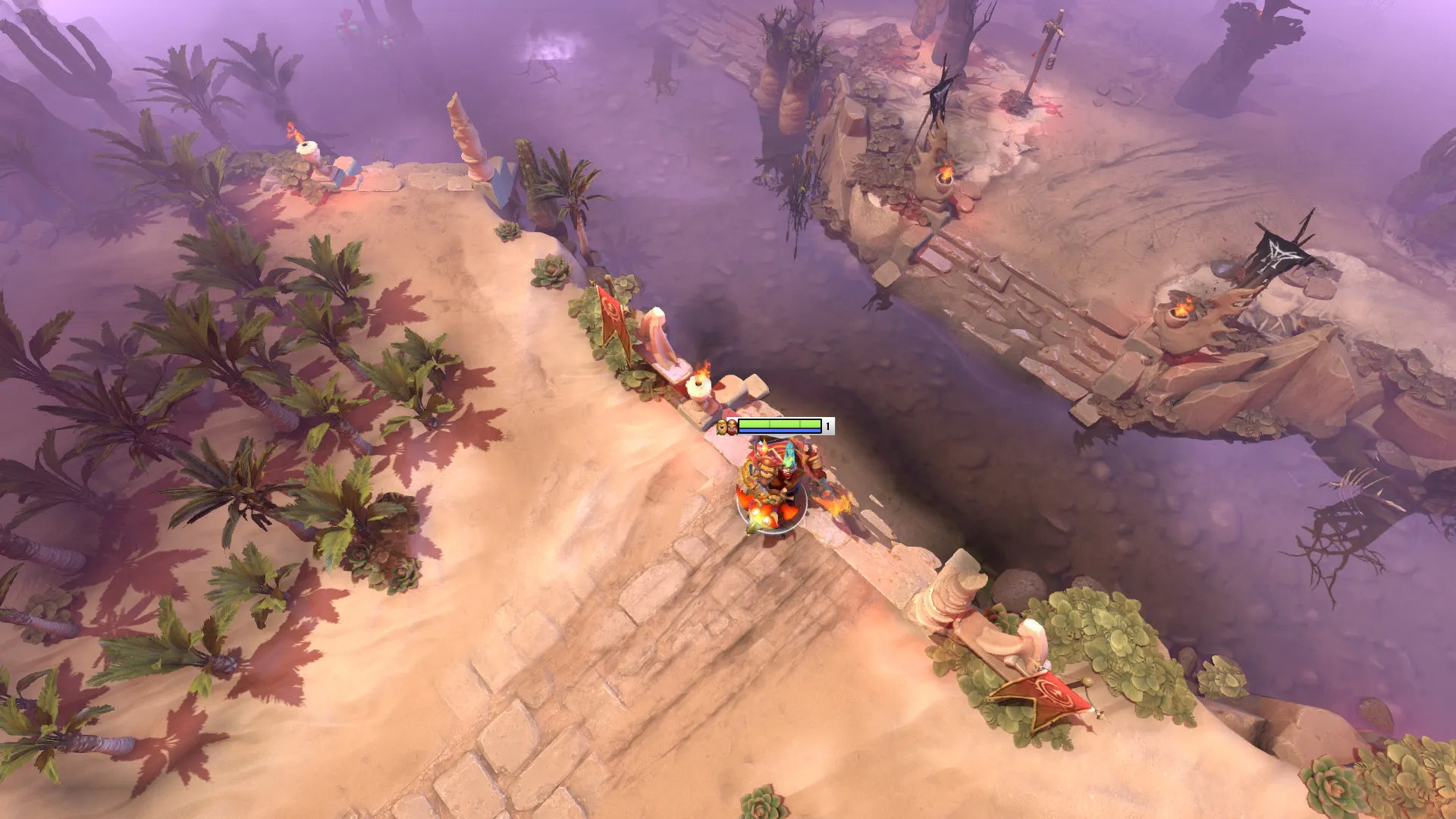
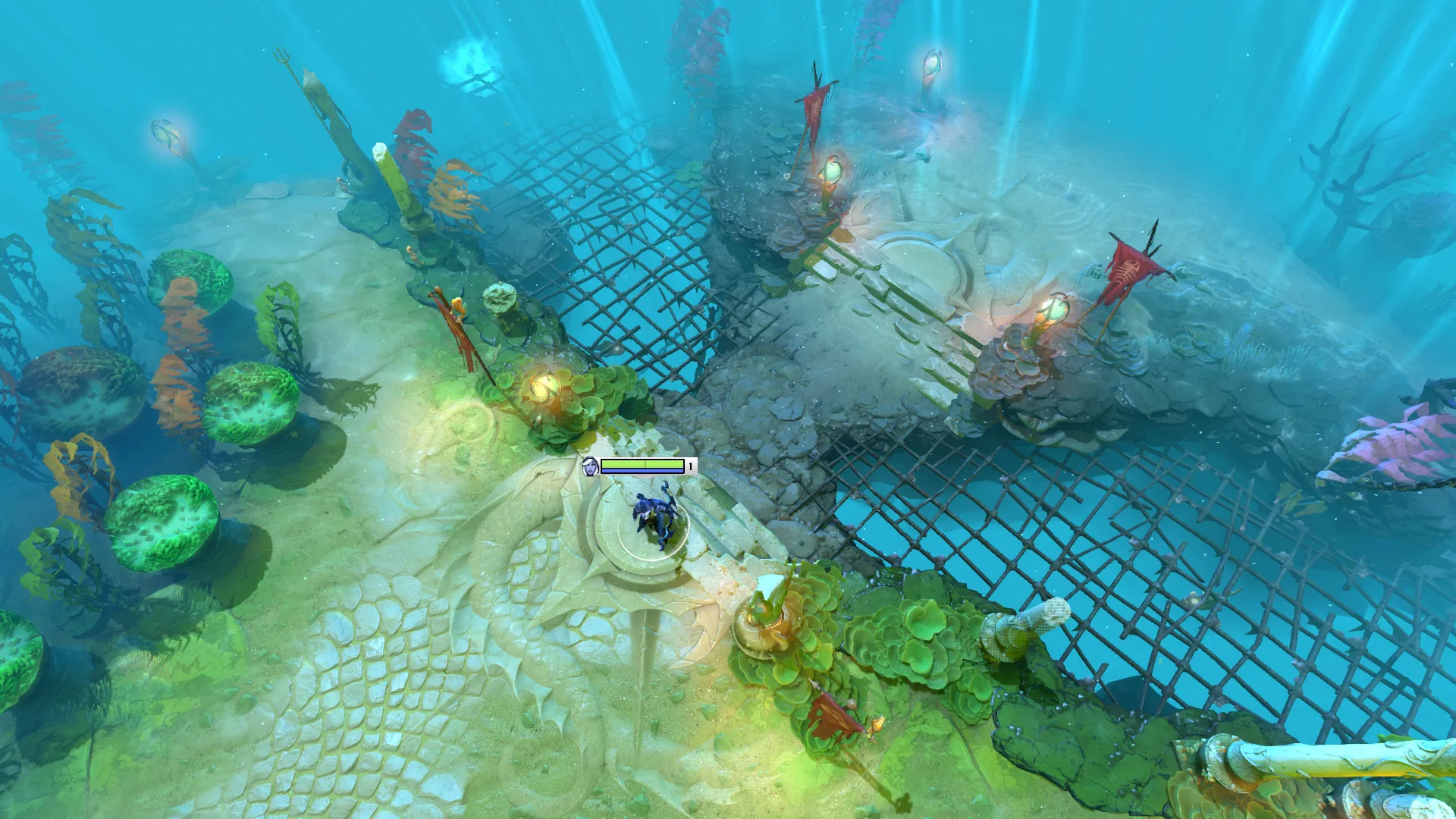
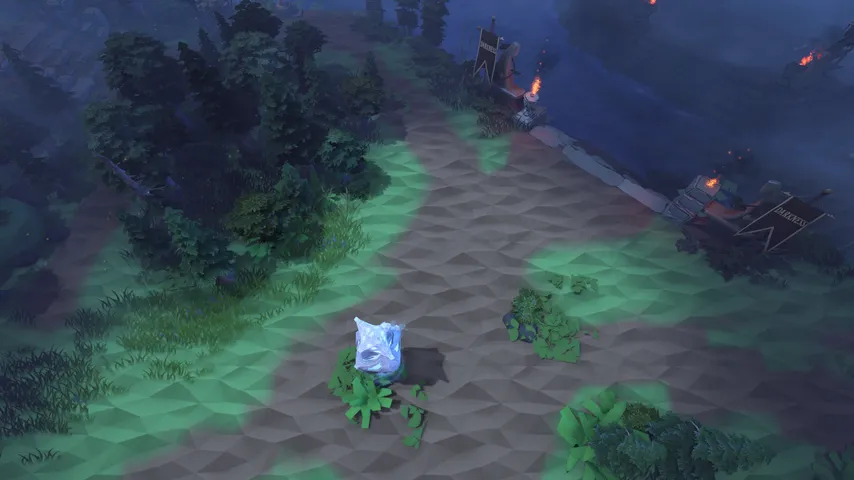
Terrain previews show distinct lighting, lane readability, vegetation density, and color balance. TI5 Desert Terrain is warm and sparse, TI7 Reef's Edge uses aquatic colors, while LowPoly reduces visual detail. Choose for readability first, especially if you use shader, tree, weather, or effect mods.
Compatibility, conflicts, and safe testing
Local terrain replacements are patch-sensitive. A Dota 2 update can change map assets, paths, or package priority. Combining two terrain packages may overwrite the same maps files. Keep the original archive outside the game folder, record the exact files you add, and test in a private lobby before normal play.
- One terrain package active at a time
- No duplicate maps folders or conflicting pak numbers
- Preview and filename match the chosen resource
- Game language folder matches the launch option
- Backup exists outside the Dota 2 directory
- Private-lobby test completed after each patch
Restore the default Dota 2 terrain
To restore the default terrain, close Dota 2, remove the custom maps folder or terrain VPK, revert the matching -language launch option if it was created only for the mod, and restore the backup. Verify the game files through Steam when clean assets do not return.
1
Close Dota 2 and back up the target language or mod folder.
2
To restore the default terrain, close Dota 2, remove the custom maps folder or terrain VPK, revert the matching -language launch option if it was created only for the mod, and restore the backup. Verify the game files through Steam when clean assets do not return.
3
Private-lobby test completed after each patch
Upstream freshness and download status
Upstream freshness was checked on 2026-07-20. Dota2PornFxWeb contains 20 terrain entries, 19 with direct downloads. The newest terrain batch remains dated 2026-06-30 and includes TI5 through TI10, Crownfall, The King's New Journey, and four Dota+ seasonal terrains. No newer terrain version was found; original upstream URLs remain unchanged.
Dota 2 terrain mod FAQ
Continue with terrain and mod resources
Sources
- Dota2PornFxWeb terrain data — Terrain records and dates checked on 2026-07-20.
- Dota2PornFxWeb terrain installation guide — Language-folder instructions checked on 2026-07-20.
- Dota2PornFxWeb live catalog — Live previews and original downloads checked on 2026-07-20.
- Steam Support: Verify integrity of game files — Official Steam recovery step.