Dota2PornFx background installation guide
Dota 2 Background Changer Guide: Set a Custom Main Menu Background
A Dota 2 background changer converts a short video or image into a local VPK replacement for the game menu. This guide explains the recommended Changer.exe workflow, the manual webm option, the pak33_dir.vpk output, the dota_123 language folder, and a reversible test plan.
Quick answer: what a Dota 2 background changer does
A Dota 2 background changer is a small utility that takes a local video or still image and produces a VPK file that can replace a menu or event background. The upstream instructions call the executable Changer.exe and name the generated package pak33_dir.vpk. The result is a local file change, not a new Steam inventory item or an official cosmetic.
The safest workflow is to close Dota 2, keep the original download outside the game folder, create a backup, run the changer once, and test the result in a low-risk launch. If the menu is blank, the package is incompatible, or a later game update changes the behavior, remove the custom VPK and restore the clean baseline.
Choose video or image input before you run the changer
Choose the input based on the effect you want, not only on the file extension. A short landscape video can create an animated-style menu background, while a still image is simpler to prepare and easier to troubleshoot. The upstream guide recommends 1920x1080 for video and accepts common formats, but that recommendation does not guarantee that every client version or every source file will work.
| Input | Formats mentioned upstream | Practical choice | Check before processing |
|---|---|---|---|
| Video | MP4, AVI, MKV, MOV, WMV, FLV, WEBM | Use a short 1920x1080 landscape clip | Duration, aspect ratio, and file size |
| Still image | JPG, JPEG, PNG, BMP, GIF | Use a clean 16:9 image when possible | Resolution, crop, and readable composition |
| Manual WEBM | WEBM | Use the manual method when you need more control | 5-10 seconds and a stable 1920x1080 frame |
Avoid confusing a Dota 2 desktop wallpaper with an in-client background. A wallpaper is meant for Windows or a phone; this guide is about a package that is loaded by the local Dota 2 installation. That difference is also why a terrain mod is a separate topic: terrain files change map assets, while the background workflow targets the menu or event presentation.
Recommended method: run Changer.exe with your media file
Download the Background Changer archive from the upstream resource card and extract it to a working folder that is not inside the Dota 2 installation. Put one supported video next to Changer.exe. For a first test, use a short 1920x1080 MP4 or WEBM with a simple name and no unusual characters. Keeping one input beside the executable makes it easier to identify what the utility processed.
- Close Dota 2 and copy the original game or language folder to a backup location.
- Extract the Background Changer ZIP outside Steam\steamapps\common\dota 2 beta.
- Place one supported video next to Changer.exe and wait for processing to finish.
- Choose 1 for a full background replacement, or 2 only when the current patch or event option is known to work.
- Keep the generated pak33_dir.vpk with the source media and record when it was created.
- Move or copy the package into the documented dota_123 language folder, then launch Dota 2 for a controlled test.
The upstream tool also supports an image beside Changer.exe. Put a JPG, JPEG, PNG, BMP, or GIF in the working folder, run the executable, and wait for the output instead of opening several files at once. If the program creates a package with a different name or reports an error, keep that result separate and read the source instructions rather than guessing a replacement filename.
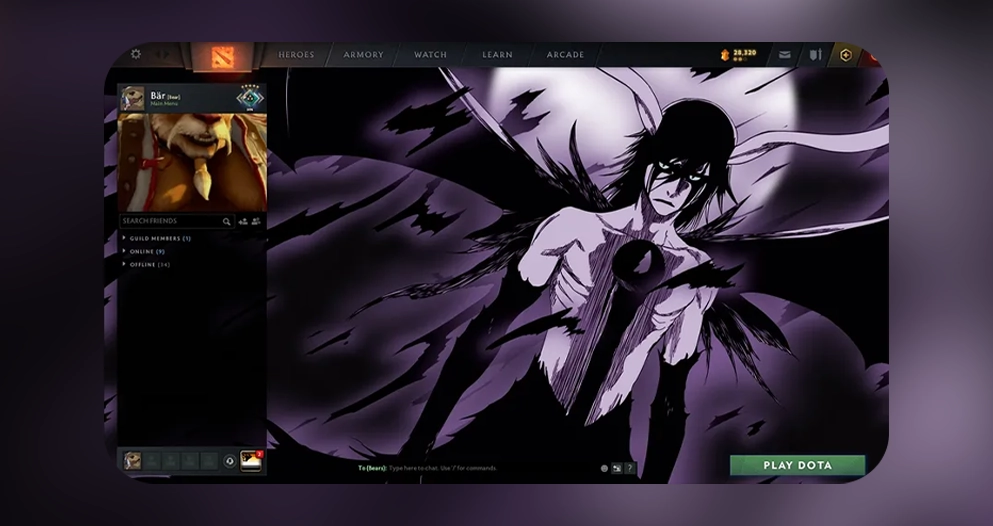
Background Changer
Download ZIP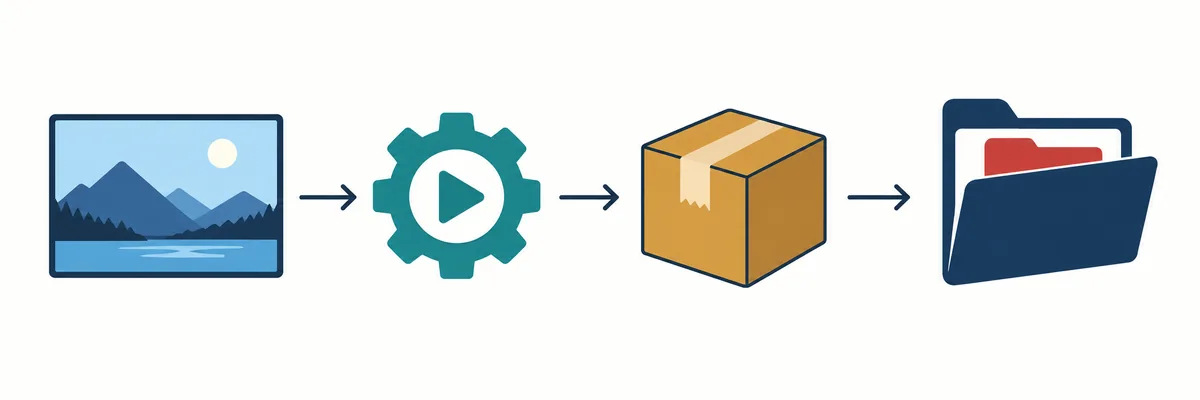
Manual method: prepare a WEBM before processing
Use the manual method when you want to control the crop, duration, or compression before Changer.exe reads the file. The upstream guide recommends a WEBM around 1920x1080 and 5-10 seconds. A short clip reduces processing time and limits the chance that a large source file will create an unwieldy package. Start with one scene and a stable frame rather than a complicated montage.
- Trim the source to a 16:9 landscape composition.
- Keep the clip near the recommended 1920x1080 size and 5-10 second duration.
- Compress it if the file is unusually large, then name it zxc.webm.
- Place zxc.webm beside Changer.exe and run the utility once.
- Use the full-background option first; treat the current patch or event option as conditional.
The upstream instructions mention online-video-cutter.com for cropping and ezgif.com for video compression. These are third-party web tools, so do not upload private material and do not assume that a successful conversion proves Dota 2 compatibility. If you prefer local editing, any trusted editor that produces a compatible WEBM can fill the same preparation role.
Place pak33_dir.vpk in the dota_123 language folder
After Changer.exe finishes, the important output is pak33_dir.vpk. The upstream guide tells users to place it in the dota_123 game-language folder. Treat that folder name as an instruction tied to the source workflow, not as proof that every Dota 2 installation uses the same path. Confirm the location from the current upstream package and your own installation before copying files.
| Item | Role | Safe handling |
|---|---|---|
| Changer.exe | Converts the selected media | Run it from a separate working folder |
| zxc.webm or source image | Input for the conversion | Keep the original outside the game directory |
| pak33_dir.vpk | Generated local package | Record the date and keep a copy for rollback |
| dota_123 | Upstream language-folder target | Back up the target before replacing anything |
Do not solve a missing background by copying the VPK into random folders or by stacking it with several numbered packages. If the result does not appear, check the target path, the selected option, and whether another local replacement is taking priority. The exact folder can also depend on the current mod workflow, so the upstream guide remains the best source for package-specific placement.
Test after installation, then keep a rollback path
Launch Dota 2 after changing one thing only. Check the main menu, loading transition, event screen if you selected the conditional option, and any obvious visual glitches. A clean result in one screen is useful evidence, but it is not a promise that every client state or future patch will behave identically. Keep the original VPK or unmodified files available until you have tested the areas you care about.
- Test the unmodified game first after a Dota 2 update.
- Remove the newest background package before diagnosing another mod.
- Restore the backup if the menu is blank, distorted, or unexpectedly slow.
- Do not keep multiple pak33_dir.vpk replacements active while troubleshooting.
- Reintroduce one package at a time after a clean launch.
- Use Steam file verification when local assets remain damaged after rollback.
This is a local community modification, so compatibility can change when Dota 2 updates its files or loading behavior. Do not call a package safe, official, or permanently compatible only because the preview works. A useful rollback is simple: close the game, remove the custom VPK, restore the backed-up target, and verify the baseline before trying a different background.
Browse Dota 2 background resources with the right expectation
The Dota2PornFx Backgrounds category contains community background resources with previews, file labels, dates, and original upstream links. Use it to choose a visual starting point, then read the package instructions before installation. The category is a source index; it does not host official Steam cosmetics and it does not guarantee that every VPK supports every current patch or resolution.
For related file types, use the VPK, mod-skin, or terrain guides.
Dota 2 background changer FAQ
Continue with related Dota 2 guides
Sources and verification
- Dota2PornFxWeb guide data — Upstream Background Changer instructions checked on 2026-09-15, including supported media, Changer.exe, pak33_dir.vpk, and dota_123.
- Dota2PornFxWeb tools data — Upstream tool record and original Background Changer ZIP link checked on 2026-09-15.
- Dota2PornFxWeb live catalog — Live previews and source-link context for the community catalog.
- Valve Developer Community: VPK File — Technical reference for Valve Pak archives and the VPK file format.
- Steam Support: verify game files — Official recovery step when a clean rollback does not restore the expected files.
- Online video cutter — Third-party preparation tool named by the upstream manual instructions; use it only for non-sensitive media.
- EZGIF video compressor — Third-party compression tool named by the upstream manual instructions.