Dota2PornFx VPK guide
¿Qué es un archivo VPK en Dota 2?
Entiende qué contiene un Valve Pak, cómo se diferencia de un ZIP y cómo revisar, probar o retirar una modificación sin confundirla con un cosmético oficial.
Respuesta rápida
Un VPK es el formato de paquete de Valve para recursos del juego. En mods de Dota 2 puede contener modelos, texturas, sonidos, interfaz, efectos o scripts. Un VPK comunitario solo cambia archivos locales y no concede objetos del inventario de Steam.
VPK
Valve Pak container used for packaged game assets.
Local mod
Changes files on your computer; it is not a Steam inventory cosmetic.
Patch-sensitive
A Dota 2 update can change paths, load order, or compatibility.
Qué contiene un VPK de Dota 2
La extensión .vpk describe el contenedor, no la finalidad ni la calidad. Comprueba categoría, vista previa, nombre exacto, fecha y fuente upstream para saber qué modifica.
VPK frente a ZIP y herramientas
| Download type | Usually contains | Best action |
|---|---|---|
| VPK | Packaged Dota 2 assets | Verify category and follow the matching install guide |
| ZIP | One or more files, folders, or VPK packages | Inspect the archive before extracting |
| EXE / tool | A helper such as VPKMerge | Use only from the upstream source and read tool instructions |
| Info-only link | Guide, video, or reference page | Do not treat it as a direct mod download |
Revisar un VPK antes de instalar
Antes de instalar, confirma el enlace upstream, conserva el archivo fuera del juego, crea una copia de seguridad y anota cada cambio. El índice no garantiza seguridad ni compatibilidad tras cada parche.
- Match the exact filename, category, preview, and update date.
- Keep a clean backup and a note of the changed path.
- Test one VPK or ZIP package at a time.
- Prefer the original upstream download or release page.
- Remove the package before stacking troubleshooting fixes.
Cómo abrir o combinar un VPK
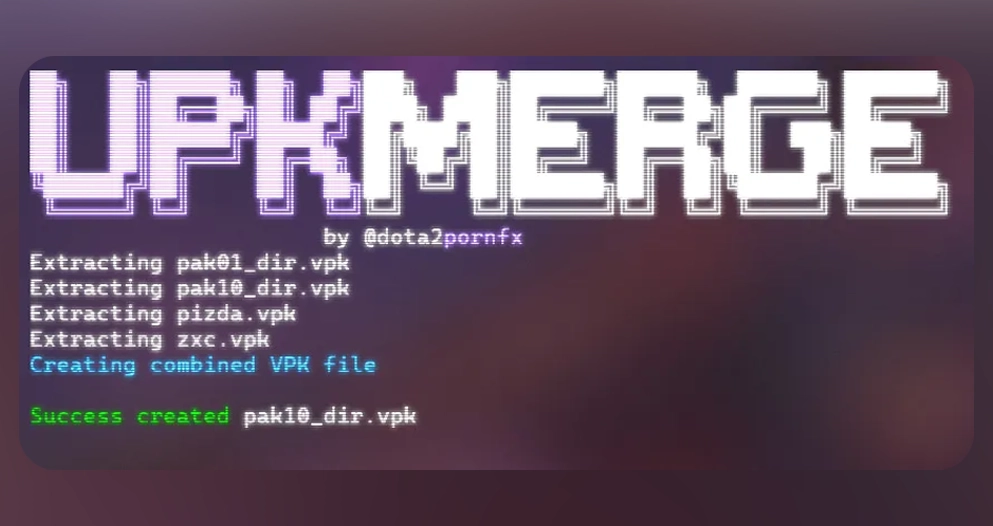
Una herramienta compatible permite inspeccionar o combinar paquetes, pero no es necesaria para todas las descargas. VPKMerge para Windows y Linux está en la categoría Herramientas; usa siempre el enlace original.

Inspect
Use a trusted VPK-aware tool when you need to see package contents.
Merge carefully
Only combine packages when their instructions and target paths are compatible.
Do not rename blindly
Changing a filename does not change the internal paths or make an incompatible package work.
Instalar, probar y restaurar
Sigue la guía adecuada, instala un solo paquete, inicia Dota 2 y revisa el área afectada. Si falla, retíralo y restaura la copia; tras una actualización prueba primero el juego limpio.
- Back up the original files or folder.
- Install only the package you are testing.
- Launch Dota 2 and verify the exact affected area.
- If it fails, remove the new package and restore the backup.
- Use the full mod skin guide for category-specific installation and troubleshooting.
Preguntas sobre VPK de Dota 2
Continuar en Dota2PornFx
Fuentes
- Dota2PornFxWeb guides data — Upstream guide and tool definitions checked on 2026-07-13.
- Dota2PornFxWeb source site — Original previews, categories, and download destinations.
- Valve Developer Community: VPK — Technical background for Valve package files.