Dota2PornFx VPK guide
Cos’è un file VPK in Dota 2?
Scopri cosa contiene un Valve Pak, la differenza rispetto agli ZIP, gli strumenti di controllo e come provare o rimuovere una mod senza confonderla con un cosmetico ufficiale.
Risposta rapida
Un VPK è il formato Valve Pak che raccoglie risorse di gioco. Nei mod di Dota 2 può contenere modelli, texture, suoni, interfaccia, effetti o script. Modifica file locali e non aggiunge cosmetici ufficiali all’inventario Steam.
VPK
Valve Pak container used for packaged game assets.
Local mod
Changes files on your computer; it is not a Steam inventory cosmetic.
Patch-sensitive
A Dota 2 update can change paths, load order, or compatibility.
Cosa contiene un VPK di Dota 2
L’estensione .vpk descrive il contenitore, non scopo o qualità. Controlla categoria, anteprima, nome esatto, data e fonte upstream.
Confronto tra VPK, ZIP e strumenti
| Download type | Usually contains | Best action |
|---|---|---|
| VPK | Packaged Dota 2 assets | Verify category and follow the matching install guide |
| ZIP | One or more files, folders, or VPK packages | Inspect the archive before extracting |
| EXE / tool | A helper such as VPKMerge | Use only from the upstream source and read tool instructions |
| Info-only link | Guide, video, or reference page | Do not treat it as a direct mod download |
Controllare un VPK prima dell’installazione
Prima dell’installazione verifica il link upstream, conserva il download fuori dalla cartella del gioco, crea un backup e registra le modifiche. L’indice non garantisce sicurezza o compatibilità dopo ogni patch.
- Match the exact filename, category, preview, and update date.
- Keep a clean backup and a note of the changed path.
- Test one VPK or ZIP package at a time.
- Prefer the original upstream download or release page.
- Remove the package before stacking troubleshooting fixes.
Aprire o unire un VPK
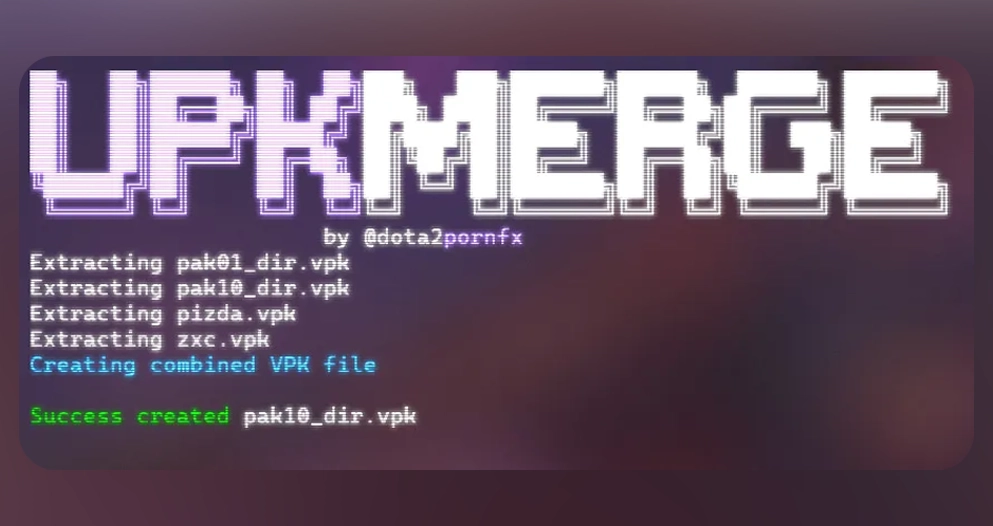
Uno strumento compatibile può ispezionare o unire pacchetti quando serve. VPKMerge per Windows e Linux è nella categoria Strumenti; usa la fonte originale e leggi le istruzioni.

Inspect
Use a trusted VPK-aware tool when you need to see package contents.
Merge carefully
Only combine packages when their instructions and target paths are compatible.
Do not rename blindly
Changing a filename does not change the internal paths or make an incompatible package work.
Installare, provare e ripristinare
Segui la guida adatta, installa un solo pacchetto, avvia Dota 2 e controlla l’area interessata. Se non funziona, rimuovilo e ripristina il backup; dopo gli aggiornamenti prova prima il gioco pulito.
- Back up the original files or folder.
- Install only the package you are testing.
- Launch Dota 2 and verify the exact affected area.
- If it fails, remove the new package and restore the backup.
- Use the full mod skin guide for category-specific installation and troubleshooting.
FAQ VPK Dota 2
Continua su Dota2PornFx
Fonti
- Dota2PornFxWeb guides data — Upstream guide and tool definitions checked on 2026-07-13.
- Dota2PornFxWeb source site — Original previews, categories, and download destinations.
- Valve Developer Community: VPK — Technical background for Valve package files.