Dota2PornFx VPK guide
Qu’est-ce qu’un fichier VPK dans Dota 2 ?
Comprenez le contenu d’un Valve Pak, sa différence avec un ZIP, les outils d’inspection et la méthode pour tester puis retirer un mod sans le confondre avec un cosmétique officiel.
Réponse rapide
Un VPK est le format Valve Pak utilisé pour regrouper des ressources de jeu. Dans un mod Dota 2, il peut contenir modèles, textures, sons, interface, effets ou scripts. Il modifie seulement les fichiers locaux et n’ajoute aucun objet officiel à l’inventaire Steam.
VPK
Valve Pak container used for packaged game assets.
Local mod
Changes files on your computer; it is not a Steam inventory cosmetic.
Patch-sensitive
A Dota 2 update can change paths, load order, or compatibility.
Contenu d’un VPK Dota 2
L’extension .vpk décrit le conteneur, pas sa qualité ni son usage. Vérifiez catégorie, aperçu, nom exact, date et source amont pour comprendre la modification.
VPK, ZIP et outils
| Download type | Usually contains | Best action |
|---|---|---|
| VPK | Packaged Dota 2 assets | Verify category and follow the matching install guide |
| ZIP | One or more files, folders, or VPK packages | Inspect the archive before extracting |
| EXE / tool | A helper such as VPKMerge | Use only from the upstream source and read tool instructions |
| Info-only link | Guide, video, or reference page | Do not treat it as a direct mod download |
Vérifier un VPK avant installation
Avant l’installation, confirmez le lien amont, gardez le téléchargement hors du dossier du jeu, sauvegardez et notez chaque changement. L’index ne garantit ni sécurité ni compatibilité après chaque patch.
- Match the exact filename, category, preview, and update date.
- Keep a clean backup and a note of the changed path.
- Test one VPK or ZIP package at a time.
- Prefer the original upstream download or release page.
- Remove the package before stacking troubleshooting fixes.
Ouvrir ou fusionner un VPK
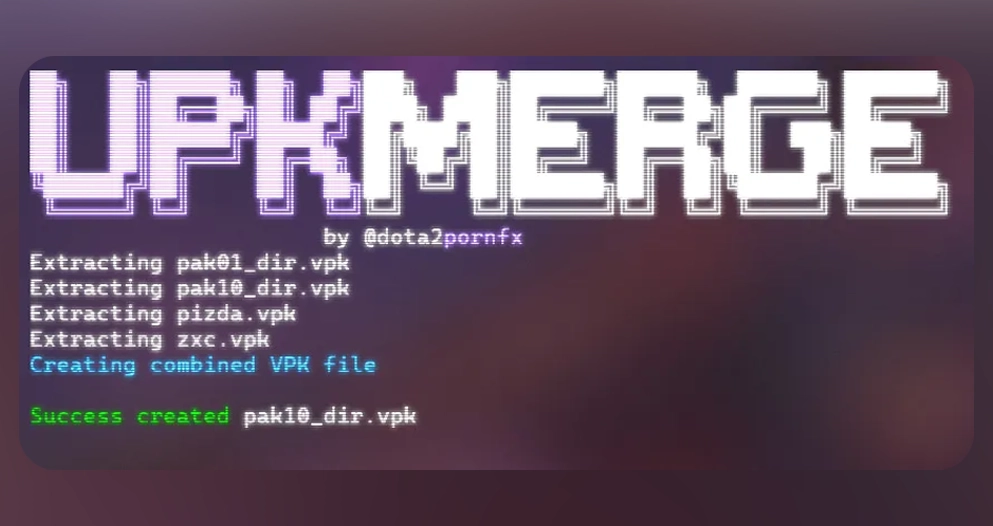
Un outil compatible sert à inspecter ou fusionner des paquets lorsque nécessaire. VPKMerge pour Windows et Linux figure dans la catégorie Outils; utilisez le lien source et lisez les instructions.

Inspect
Use a trusted VPK-aware tool when you need to see package contents.
Merge carefully
Only combine packages when their instructions and target paths are compatible.
Do not rename blindly
Changing a filename does not change the internal paths or make an incompatible package work.
Installer, tester et restaurer
Suivez le guide adapté, installez un seul paquet, lancez Dota 2 et contrôlez la zone concernée. En cas d’échec, retirez-le et restaurez la sauvegarde; après une mise à jour, testez d’abord le jeu sans mod.
- Back up the original files or folder.
- Install only the package you are testing.
- Launch Dota 2 and verify the exact affected area.
- If it fails, remove the new package and restore the backup.
- Use the full mod skin guide for category-specific installation and troubleshooting.
FAQ VPK Dota 2
Continuer sur Dota2PornFx
Sources
- Dota2PornFxWeb guides data — Upstream guide and tool definitions checked on 2026-07-13.
- Dota2PornFxWeb source site — Original previews, categories, and download destinations.
- Valve Developer Community: VPK — Technical background for Valve package files.